

Live
A clearer door. A safer night.
Scan a driver licence, passport or Kiwi Access card on a phone or iPad. Scand shows the age, puts the ID photo beside the guest’s face and checks your ban list, so your door team can decide in seconds.
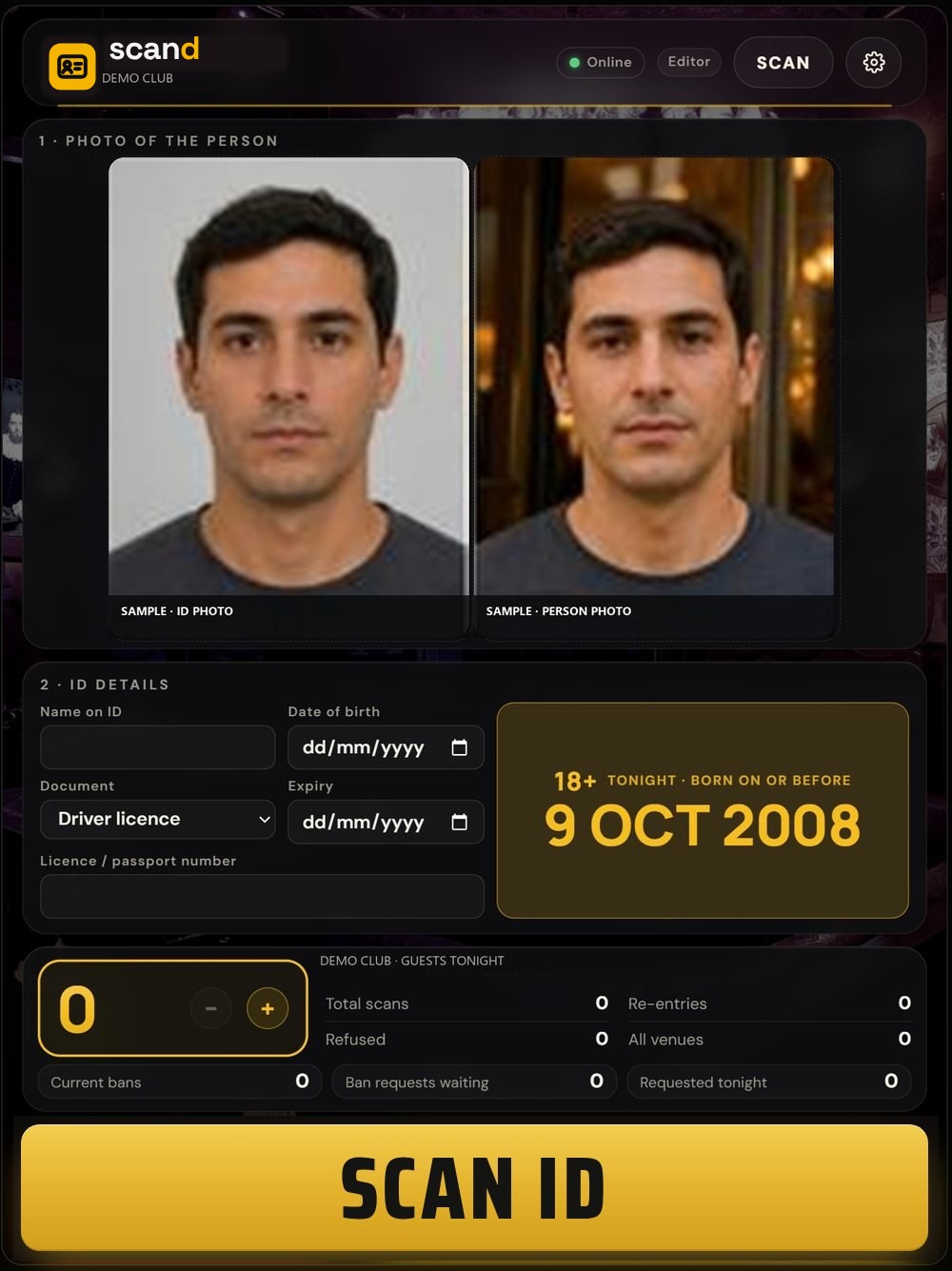
Sample screen with made-up details.
Everything the door needs, on one screen.
Fast, hands-free capture
Hold the ID up to the camera and Scand takes the photo by itself, then the guest photo with one tap. The ID is read while the second photo is taken.
Two faces, side by side
The ID photo and the guest’s face sit next to each other at the same size, with a face match guide that helps detect fake IDs. A person always makes the call.
Your ban list, at every door
A ban at one venue shows at all your venues. Shared safety alerts from other venues show too, with limited details.
Ban in one tap
After a scan, staff tap Ban and pick from 19 standard reasons, from vaping to serious assault. A manager reviews it in the Admin portal.
Keeps going if the wifi drops
Bans and watch lists stay on the device, so the door can still check guests with no internet, and everything uploads when you’re back online.
A record when police ask
Search past entries by name, venue and time. Police requests are logged. Scans are deleted after 30 days, unless kept for an active ban or a police request.
From the queue to inside, in three steps.
Scan the ID
Hold the licence, passport or Kiwi Access card up to the camera. Scand catches it and reads it.
Take the guest photo
One tap, no countdown. The two photos land side by side with the age and any ban.
Your team decides
Check ID to let them in, or Refuse or Ban with a reason. The record is saved for your managers.
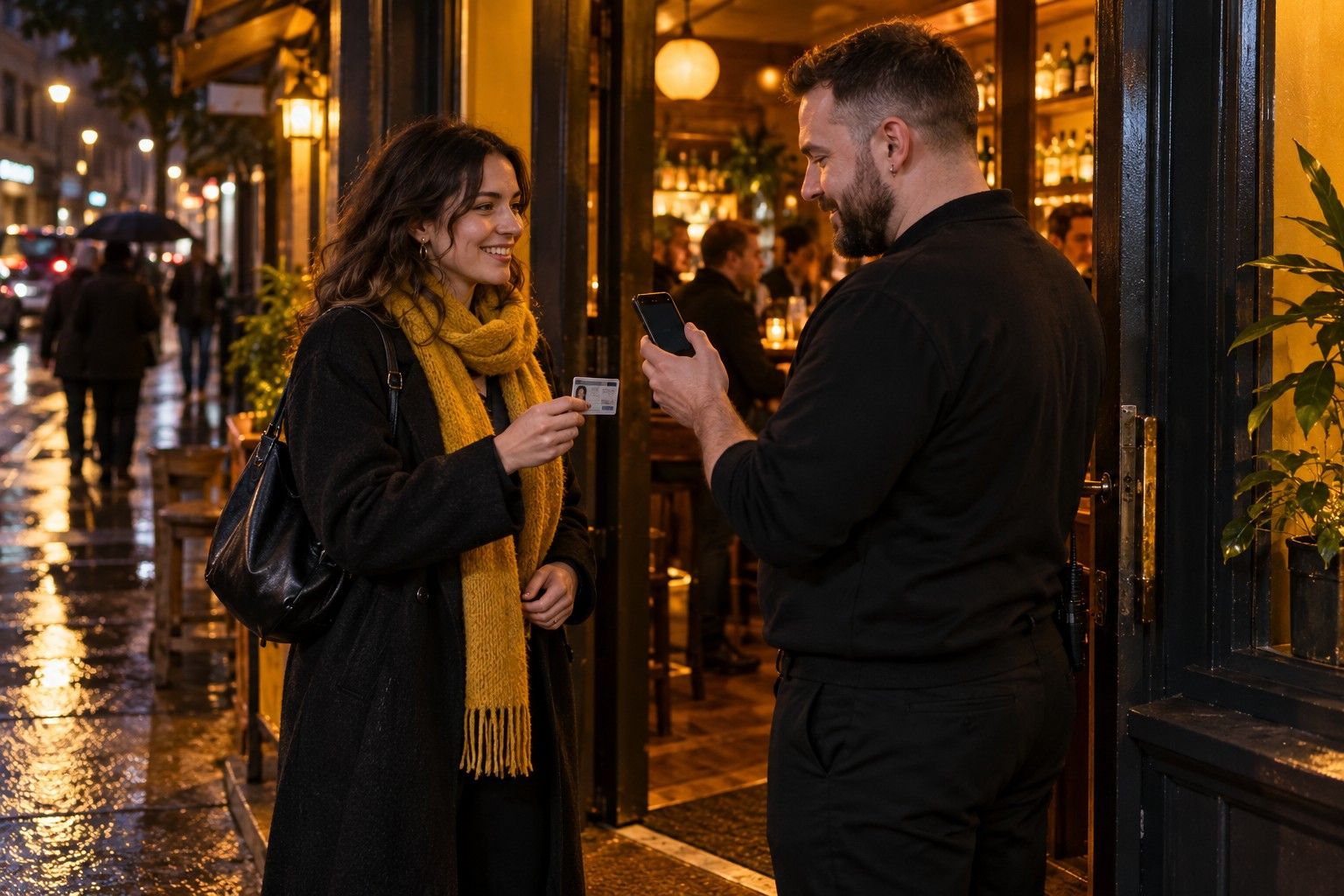
Three ways to run an entrance.
Switch modes in Settings. Every mode keeps the age and ban checks.
- Standard for everyday entry checks
- Scand VIP for guest lists and plus-ones
- Scand Events for tickets, wristbands and re-entry
How Scand works with the other apps
Every Okayd app runs on one account. Point at an app to see what changes when you use it with Scand.
See Scand on your own door.
We’ll set up a test venue with your logo and colours and run it on the phones or iPads you already have.