
Included with every product
One sign-in. Every venue. Every product.
The Admin portal is where owners and managers review bans, find past entries, look after staff and switch between the Okayd products your business uses.
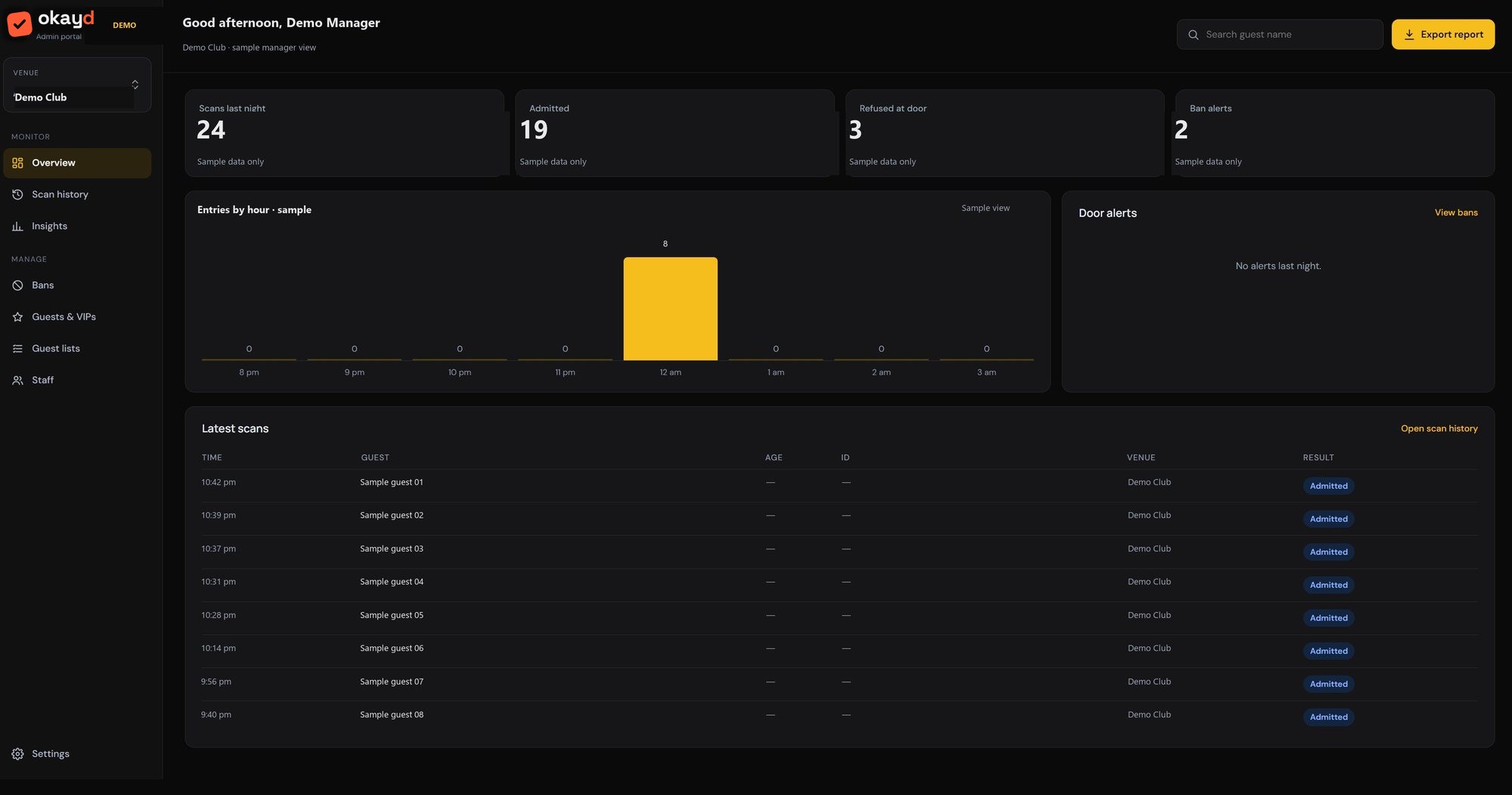
Sample screen with made-up details.
What managers do in the portal.
Bans waiting for review
Door staff ban on the spot. Managers agree in one tap, change the length with a reason, or decline. One ban list covers all your venues.
Ban lengths you set
19 standard ban reasons, from vaping to serious assault. You choose how long each one lasts.
Records and activity log
Find past entries by name, venue and time, and search or download every action in the activity log.
Staff and invites
Invite staff with a link or QR code, set roles and reset two-step sign-in when someone changes phones.
Team chat alerts, free
New bans, flagged guests at the door, trespass notices, noticeboard posts and a morning door summary, posted to Slack, Microsoft Teams or Google Chat.
Venue check
See which venue each door device is set to tonight, so scans land in the right place.
Every portal sign-in uses two-step sign-in with an authenticator app. Scans and photos are deleted after 30 days, unless kept for an active ban or a police request, and the activity log can’t be edited.
See the portal with your own venues.
We set it up for you, with your venues, logins and colours.